Pinterest for Bloggers
Choose suitable blog articles, create accurate visual Pins and measure visits to your website with a manageable weekly workflow.
Before You Start
This is Lesson 29 of the MoneyOnliners Blogging Academy, in Module 4: Growing Blog Traffic. Review Lesson 28: Growing Organic Traffic before beginning.
Bring five published article ideas, their final URLs where available, and images you own or have permission to use. If you do not yet have a blog or Pinterest account, prepare drafts and use the fictional examples without inventing performance data.
Your goal is to choose suitable articles, draft three Pin titles and plan a weekly workflow. Pinterest can be a supporting channel; it does not guarantee visits, Google rankings or income.
Use Pinterest to help people discover useful ideas that connect to relevant articles on your blog. Choose content with a clear visual or practical angle, create an accurate image and description, add the correct destination link and organize the Pin on a relevant board. Use a business account for available analytics. Review outbound clicks and website activity separately from impressions and saves, then improve your next small batch.
Learning Objectives
- Choose five blog posts with a useful Pinterest angle.
- Understand business-account analytics and website claiming.
- Draft clear Pin titles, descriptions and destination links.
- Use relevant boards and accessible, readable creative.
- Distinguish impressions, saves, Pin clicks and outbound clicks.
- Build a manageable weekly workflow and review plan.
Choose Articles That Fit the Channel
Pinterest helps people discover ideas visually. Start by asking what someone could learn, plan or try after seeing your Pin. A checklist, tutorial, comparison or practical example may provide a clearer angle than a broad claim that your blog is interesting.
A beginner money blog might share a spending-plan checklist, a freelance portfolio preparation guide or a home-office organization tutorial. These are possible content angles, not a promise that a particular niche will perform well.
Check the Destination First
Open each article on a phone-sized screen. Confirm that it is public, readable and relevant to the promise you intend to put on the Pin. Test the final URL and remove any misleading claim before designing the image.
If the Pin promises a worksheet, the destination should explain how to access that worksheet. A click that reaches an unrelated homepage or missing page does not complete the reader's task.
Use a Business Account for Analytics
Pinterest offers free business accounts with business features, including analytics. Follow its current instructions to create one or convert a suitable existing account. The lesson does not require buying an ad campaign.
Where you control an eligible website, review Pinterest's claiming process. Claiming associates website content with your profile and supports insight into its Pinterest activity. Use the verification method appropriate to your website; it is not a guarantee of distribution.
Reader Task
What idea will the Pin help someone explore?
Accurate Promise
Does the article deliver what the Pin describes?
Working Route
Does the link reach the intended public article?

Create a Useful Pin and a Clear Destination
Design for Readability
Use a clear image, strong contrast and a short text overlay where it helps explain the idea. Check whether the main words remain readable on a small screen. Use your own assets or images you are authorized to publish.
For a standard vertical image, 1000 × 1500 pixels is a practical 2:3 starting canvas consistent with Pinterest's creative guidance. Check the requirements of the format you select; that canvas is not a rule for every video or other Pin format.
Write Specific Titles and Descriptions
Describe the article's actual benefit in everyday language. Use relevant wording naturally. Avoid stuffing unrelated keywords or promising guaranteed earnings to attract clicks.
For a fictional weekly budget article, three possible titles are “Plan Your First Weekly Budget,” “A Weekly Spending Plan for Beginners” and “Five Questions to Ask Before Setting a Weekly Budget.” Use only the angle the destination actually covers.
Choose a Relevant Board
A board should organize related ideas clearly. A board about beginner budgeting is a more understandable home for a spending-plan Pin than a board covering every unrelated topic. Create a small useful structure rather than many empty boards.
Add and Test the Link
Use the final article address. Review the Pin's image, title, description, board and link before publishing. Open the published destination to confirm it still works. If your own Pin has a broken link, follow Pinterest's editing guidance rather than using deceptive redirects.
Keep the Promise Consistent
The Pin, article heading and first useful section should describe the same task. Improve a mismatch before attempting to increase distribution.
A Manageable Weekly Pinterest Workflow
Choose Five Suitable Articles
Record a reader task, visual angle and final URL for each. If you have fewer than five suitable articles, use the available ones and plan the remaining ideas.
Draft Three Titles
Write three accurate titles for one article. Select the clearest starting version and record what each alternative emphasizes.
Prepare a Small Batch
Create readable visuals and descriptive details. Check image rights, relevant boards and the destination for every Pin.
Publish at a Sustainable Pace
Choose a workload you can maintain. Use Pinterest's available scheduling controls or approved tools where appropriate. A fixed daily Pin count is not a distribution guarantee.
Review and Improve
Record the date range, Pins reviewed, available outbound clicks and website observations. Choose one improvement for the next batch instead of changing everything at once.
A weekly work session is a planning choice, not a required Pinterest formula. Keep time for article maintenance so an older Pin continues to lead to useful content.
Measure the Outcome You Actually Need
| Metric | What It Describes | What It Does Not Establish |
|---|---|---|
| Impressions | Times the Pin was on screen. | Visits to your blog. |
| Saves | Times people saved the Pin to a board. | That they opened the article. |
| Pin clicks | Clicks that open the Pin in closeup. | The same number of outbound visits. |
| Outbound clicks | Actions leading to a destination off Pinterest. | A sale, signup or one-to-one match with analytics sessions. |
| Website activity | Visits and actions recorded by your site's measurement tools. | That every difference from Pinterest's count is an error. |
This fictional example illustrates a decision: Pin A receives 2,000 impressions and eight outbound clicks; Pin B receives 500 impressions and ten outbound clicks in the same review period. Pin B produces more recorded outbound clicks despite fewer impressions. Neither figure establishes revenue or proves which design will work next.
Check the destination and audience fit before choosing the next test. Keep paid and organic activity separate when those filters are available, and record the reporting period. New estimates and small samples can change; avoid treating one result as a permanent rule.
Common Pinterest Mistakes
Chasing Impressions Alone
For a blog traffic goal, examine outbound clicks and the destination experience as well as reach.
Making a Misleading Promise
Use a title and image the article can support. Avoid guaranteed-income claims or unrelated destinations.
Publishing Repetitive Spam
Do not use repetitive, irrelevant or deceptive content to manipulate distribution. Follow Pinterest's current community guidelines.
Using Unapproved Automation
Use permitted tools and features. Avoid services that automate actions without Pinterest's approval.
Ignoring Image Rights and Readability
Use authorized assets, accurate descriptions and text people can read on mobile.
Leaving Broken Destinations
Recheck important links when articles move or change. A well-designed Pin cannot repair a missing page.
Worked Pinterest Scenarios
These fictional examples illustrate decisions; they are not reported student results.
Example 1: A Clear Checklist
A blogger chooses an article containing a genuine weekly planning checklist. The Pin describes that checklist and links directly to the article. The owner tests the mobile destination before publishing.
Example 2: Strong Reach, Few Visits
A Pin has impressions and saves but few outbound clicks. The owner checks whether its promise gives a useful reason to read the article and whether the link works. They test a clearer angle without inventing a guaranteed conversion improvement.
Example 3: The Moved Article
A published Pin leads to an old article address. The owner confirms the intended final page, repairs the site's route and edits the Pin they control where appropriate. They test the public result instead of redirecting readers to unrelated content.
Keep a Simple Pin Review Record
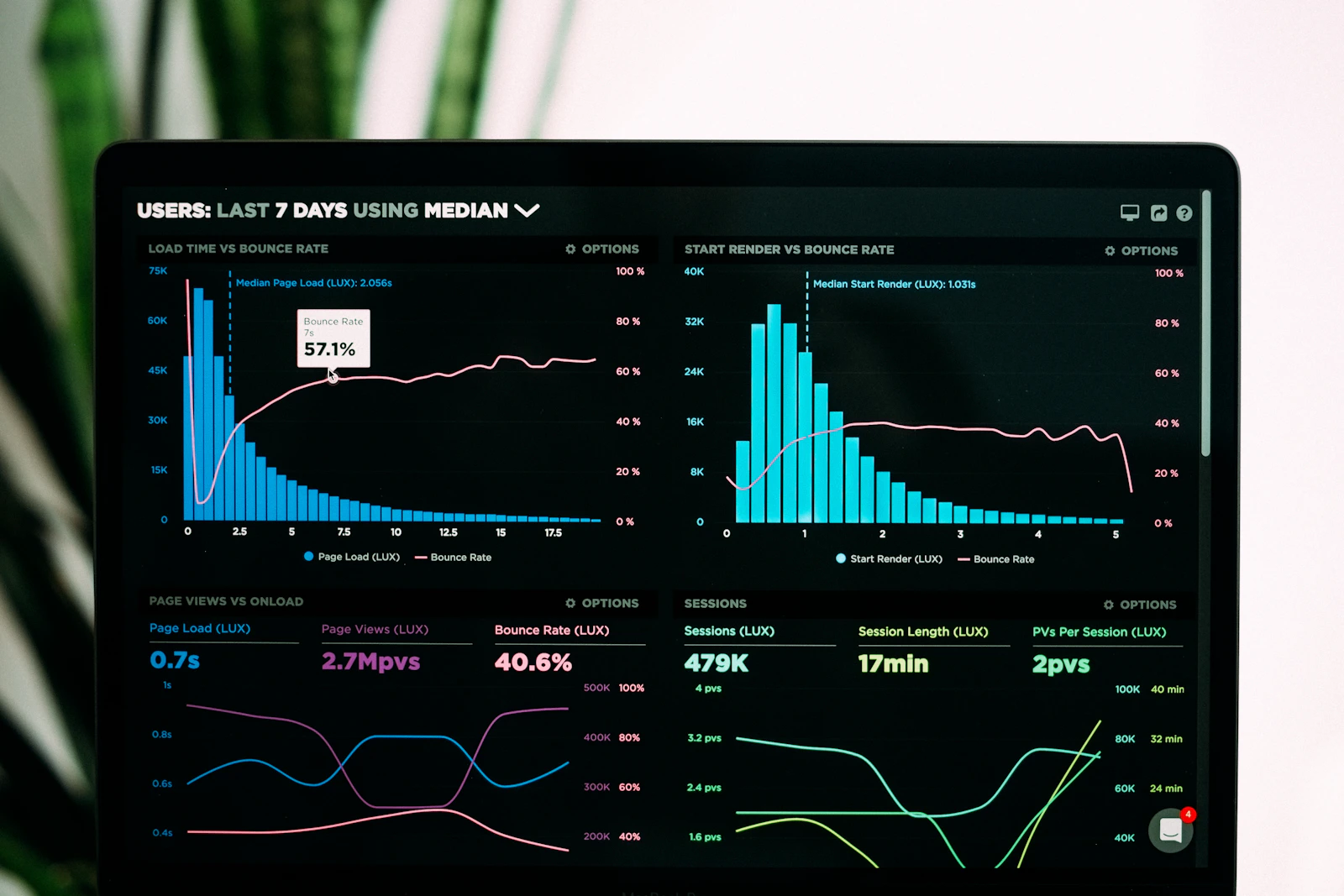
For each Pin, record the article URL, title angle, visual, board, publication date, review period and available metrics. Add a public-link check and one next action. If analytics is unavailable, document the draft and link checks without inventing numbers.
Internal Links and Official Resources
Continue Learning on MoneyOnliners
https://moneyonliners.com/blogging-academy/Previous: Lesson 28 — Growing Organic Traffic
https://moneyonliners.com/growing-organic-traffic/Next: Lesson 30 — Email Marketing for Bloggers
https://moneyonliners.com/email-marketing-for-bloggers/Lesson 24 — Publishing Consistently
https://moneyonliners.com/publishing-consistently/Lesson 32 — Measuring Blog Performance
https://moneyonliners.com/measuring-blog-performance/Jobs & Opportunities
https://moneyonliners.com/jobs-opportunities/
Official Pinterest Resources
https://help.pinterest.com/en/business/article/get-a-business-accountPinterest: Claim Your Website
https://help.pinterest.com/en/business/article/claim-your-websitePinterest: Guide to Creating Pins
https://help.pinterest.com/en/guide/guide-to-creating-pinsPinterest: Review Analytics
https://help.pinterest.com/en/business/article/pinterest-analyticsPinterest: Review Pin Stats
https://help.pinterest.com/en/business/article/pin-statsPinterest: Creative Best Practices
https://business.pinterest.com/creative-best-practices/Pinterest: Fix a Broken Link
https://help.pinterest.com/en/article/fix-a-broken-linkPinterest Community Guidelines
https://policy.pinterest.com/en-gb/community-guidelines
Reviewed against official Pinterest guidance in October 2026. Features and interface labels can change; follow the current guidance for the account and format you use.
Your Weekly Challenge
Prepare Your First Small Batch
1. Choose five suitable articles or document the available articles and remaining ideas.
2. Draft three accurate Pin titles and prepare one readable visual concept.
3. Plan your weekly creation, link-checking and review session. Choose the outcome you will measure.
Reflection Questions
- What reader task makes each article suitable for a Pin?
- Does the destination deliver the visual's promise?
- Are the image rights, board and link appropriate?
- Which metric distinguishes viewing a Pin from visiting your blog?
- What will you test or repair in the next weekly session?
Download the Lesson 29 Workbook
Use the workbook to choose five suitable posts, draft three Pin-title ideas and plan your weekly workflow. Add the destination checks, review period and metric you will monitor. Blogging Academy · Lesson 29 · Module 4: Growing Blog Traffic.
📘 Download Lesson 29 WorkbookFrequently Asked Questions
Review the main ideas before moving to the next lesson.
Do I need to pay for ads to start?
No. This lesson uses organic Pins. A business account provides available business tools without requiring an ad campaign.
Does claiming my website guarantee traffic?
No. Claiming supports association and insights; it does not promise distribution, visits or revenue.
Are Pin clicks the same as outbound clicks?
No. A Pin click can open its closeup. Outbound clicks describe actions that lead off Pinterest.
How many Pins should I publish every day?
There is no guaranteed daily count. Choose a manageable workflow that protects usefulness, accuracy and platform rules.
Can I use any image I find online?
Use images you own or are authorized to publish. Check the permissions and whether the image accurately represents the article.
What comes next?
Continue to Lesson 30: Email Marketing for Bloggers after saving your Pin plan.