Email Marketing for Bloggers
Define a useful signup promise, plan your welcome email and test the route from subscription to delivery.
Before You Start
This is Lesson 30 of the MoneyOnliners Blogging Academy, in Module 4: Growing Blog Traffic. Review Lesson 29: Pinterest for Bloggers before beginning.
Bring one useful article, an idea for a small subscriber resource and a description of the reader you want to help. You can complete the planning exercises without buying a service or sending a campaign.
Your workbook tasks are to define your ideal subscriber, draft a lead-magnet idea and outline a welcome email. A lead magnet is a useful resource offered as a reason to subscribe, such as a checklist or worksheet. It is optional; a clear promise of useful emails can also support a signup.
Email marketing for bloggers means sending useful, expected messages to readers who choose to subscribe. Start with a specific reader and a clear promise, collect permission through a working signup form, deliver any promised resource and explain what comes next. Test the contact record, subscription status and welcome-email delivery separately. Then review clicks, replies, unsubscribes and useful website actions without treating a larger list as guaranteed traffic or income.
Learning Objectives
- Define the reader and benefit behind your newsletter.
- Plan a useful, realistic lead magnet or signup promise.
- Distinguish form submission, confirmation and welcome automation.
- Outline a clear welcome email with one main action.
- Test subscription status, resource delivery and unsubscribe controls.
- Review email results using consistent definitions and date ranges.
Define a Signup Promise Readers Can Understand
A blog can attract a visitor once; an email subscription gives that reader a way to request future updates. Email can support an ongoing relationship, but delivery still depends on permission, a working setup and the recipient's email service.
Choose One Reader and One Benefit
Describe a real task your reader wants to complete. “Beginners preparing their first freelance portfolio” is more useful for planning than “everyone who wants success.” Decide what the newsletter will help that reader do and how often you can realistically send it.
For example, a fictional blog might promise one practical portfolio-building tip each week. The signup wording should explain that ongoing newsletter clearly. If you also offer a checklist, explain both the resource and the emails people are choosing to receive.
Keep the Lead Magnet Small and Relevant
A short checklist that solves one problem can be easier to create and maintain than a large ebook. Choose something connected to your articles: a planning sheet, comparison checklist or worked example. Do not promise a resource you have not prepared.
Decide where the resource will live and test its public link. A visitor should not discover after subscribing that the promised download needs an unexpected purchase or an account you never mentioned.
Collect Permission Clearly
Explain who sends the emails, what subscribers will receive and where to find your privacy information. Collect only information needed for the stated purpose. Do not buy addresses or assume someone who contacted you about another matter requested a newsletter.
Keep a record of the signup source and permission information available in your service. Provide a clear unsubscribe route and respect the subscriber's choice. Review the rules that apply to your audience before sending.
Specific Reader
Who needs this resource or recurring guidance?
Honest Promise
What useful result can the content support?
Manageable Schedule
What frequency can you maintain without filler?

Set Up and Test the Whole Subscription Route
A form appearing on a page does not prove that a welcome message is being sent. Treat collection, subscription confirmation and automated delivery as separate stages.
1. Check the Form and Contact Record
In Hostinger Reach, activate the intended form and embed its current code. Submit it using a test address you control, then check that the correct contact appears in Reach with the expected source or tag. An on-page success message alone is insufficient evidence.
2. Check Confirmation Status
If double opt-in is enabled, the subscriber must confirm the address before receiving marketing campaigns and automations. Check the contact's status and complete the confirmation step in your test inbox. A confirmation email verifies the subscription; it is different from your custom welcome email.
3. Configure the Welcome Automation
For a form created directly in Reach, follow the current form-submission automation instructions and select the correct form. Check whether the trigger is intended for new contacts only or repeated submissions. A form supplied through another integration may need its associated segment trigger instead.
Add the welcome message, confirm its resource link and activate the workflow. Test with a new address when the trigger is limited to new contacts; repeatedly submitting an existing contact may not start that workflow.
4. Verify Sending and Receipt
Connect and verify the sending domain using your provider's current instructions. Follow its SPF, DKIM and DMARC setup rather than copying DNS records from an unrelated example. Preserve the records required by other legitimate mail services.
Check the automation activity, sender identity, reply address, inbox or spam folder, resource link and unsubscribe route. Authentication supports delivery but does not guarantee inbox placement. Recording a contact in Reach does not itself establish that a message arrived in the subscriber's inbox.
Keep Subscriber Delivery Separate From Owner Alerts
The test above checks the subscriber journey. If you want an alert in your own inbox when someone joins, check whether your form service provides that separate notification setting. Do not assume that collecting a contact also emails the site owner.
A Simple Welcome Email Framework
Use an Accurate Subject
Describe the content directly, such as “Your portfolio planning checklist.” Avoid fake reply prefixes, unsupported urgency or claims that the recipient has won something.
Recognize the Signup
Briefly explain why the reader is receiving the message and identify the blog. Keep the sender name consistent with the signup page.
Deliver the Promised Resource
Link clearly to the correct download or article. Open the link in a signed-out browser and check it on a phone before using it in the automation.
Set Expectations
State the subject and realistic frequency of future emails. Choose one main action, such as using the checklist or reading a relevant guide.
Make Leaving Easy
Retain your provider's unsubscribe control and required sender information. Test the final message instead of assuming the draft preview proves everything works.
For later newsletters, use a repeatable structure: one useful idea, a brief example and one relevant next step. Choose a schedule you can maintain; sending more messages is not a guaranteed growth strategy.
Understand What Email Metrics Can Tell You
| Measure | Useful Question | Limit |
|---|---|---|
| Subscribed contacts | How many people currently have permission and an eligible status? | A form submission may still need confirmation. |
| Delivered messages | Which messages avoided a reported delivery failure? | Delivery reporting does not prove inbox placement or reading. |
| Reported opens | What opening activity does the platform estimate? | Image settings and privacy features can affect this measure. |
| Unique clicks | How many recipients were reported to click? | Check filtering and whether the metric counts people or events. |
| Unsubscribes and complaints | Are messages matching the permission and expectations given? | Review context and trends instead of reacting to one event. |
| Website actions and replies | Did readers use the resource, visit a useful page or ask a relevant question? | Website and email reporting may use different methods. |
Use the same date range and denominator when comparing rates. In a fictional campaign, 12 unique clicking recipients from 200 delivered messages gives a 6% unique click rate using delivered messages as the denominator. A provider using sent messages may show a different rate.
This example is a calculation, not a performance target. A small list can produce uneven results. Record the audience, subject, main link and message purpose, then choose one improvement to test.
Common Email Marketing Mistakes
Buying or Scraping Addresses
Build a list of readers who chose your emails. An address being public does not mean its owner requested your newsletter.
Promising an Unfinished Download
Prepare the resource and test access before inviting subscriptions.
Assuming the Embed Sends Everything
Verify the contact, confirmation status and active welcome workflow separately.
Changing DNS Without Checking
Use the provider's exact instructions and preserve legitimate existing mail configuration.
Sending an Unexpected Promotion
Keep content consistent with the signup promise. Explain commercial relationships where relevant and avoid misleading claims.
Hiding the Unsubscribe Route
Keep a clear way to leave and apply suppression settings so unsubscribed readers are not accidentally re-added to campaigns.
Worked Email Scenarios
These fictional scenarios explain troubleshooting decisions; they are not reported student outcomes.
Example 1: A Resource That Matches the Promise
A blogger offers a one-page portfolio checklist and clearly describes a weekly newsletter. The welcome message delivers that checklist, identifies the blog and explains what readers can expect next.
Example 2: The Form Works, but No Welcome Arrives
A test contact appears in Reach. The blogger checks whether confirmation is pending, the correct automation is active and the address qualifies for its trigger. They then check sending activity and the test inbox rather than replacing a working form without evidence.
Example 3: Many Opens, Little Useful Activity
A campaign shows reported opens but few clicks or replies. The blogger checks the main link and whether the message offers a clear, relevant next step. They test a more specific message and avoid treating open counts as proof that every recipient read it.
Keep a Small Email Test Record
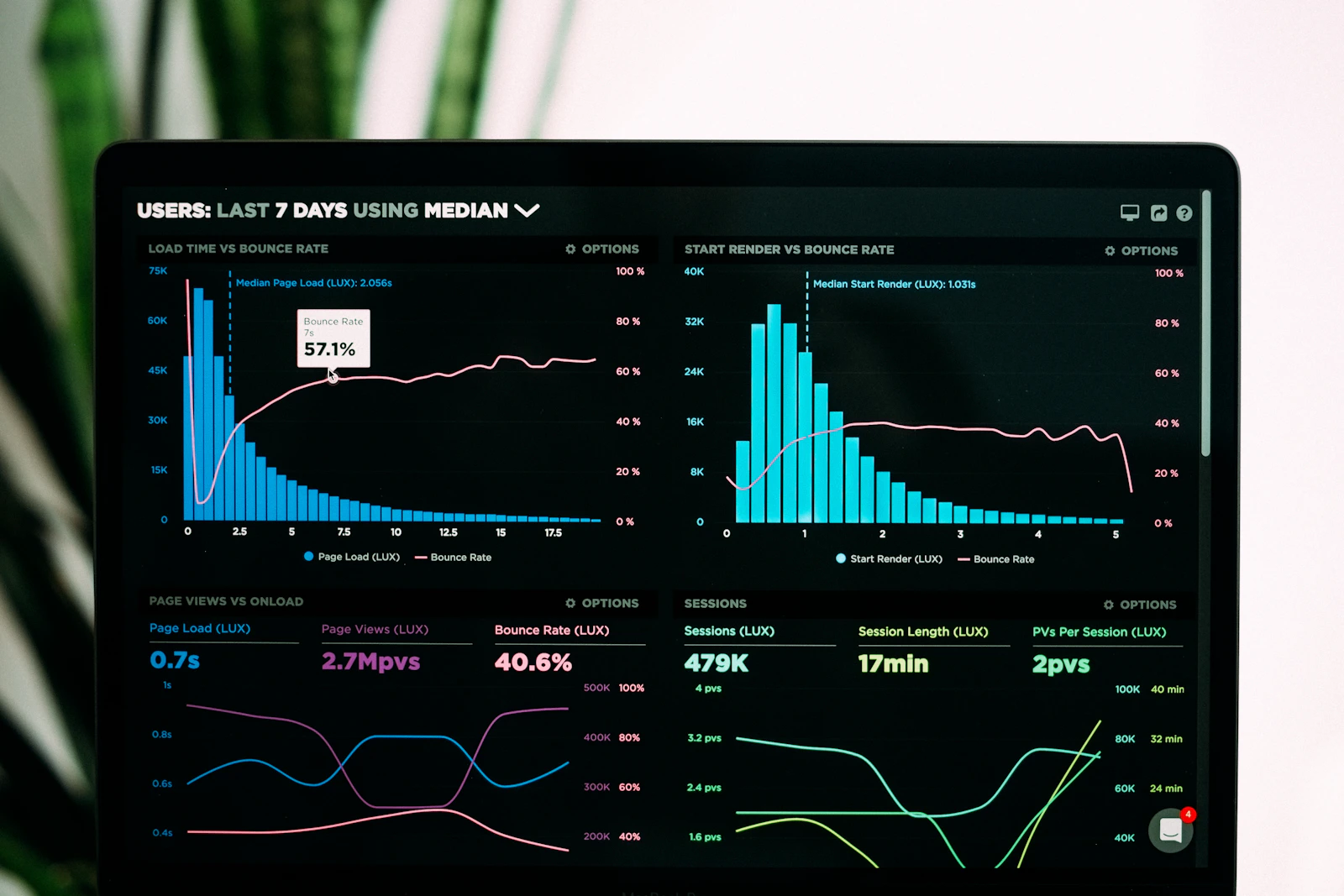
Save the form name, test date, contact status, expected trigger, automation result, resource-link check and final receipt result. Use a test address you control and keep subscriber data private. If you are only planning, mark delivery as untested rather than inventing a successful result.
Internal Links and Official Resources
Continue Learning on MoneyOnliners
https://moneyonliners.com/blogging-academy/Previous: Lesson 29 — Pinterest for Bloggers
https://moneyonliners.com/pinterest-for-bloggers/Next: Lesson 31 — Social Media Promotion
https://moneyonliners.com/social-media-promotion/Lesson 24 — Publishing Consistently
https://moneyonliners.com/publishing-consistently/Lesson 32 — Measuring Blog Performance
https://moneyonliners.com/measuring-blog-performance/Jobs & Opportunities
https://moneyonliners.com/jobs-opportunities/
Official Email Setup Resources
https://www.hostinger.com/support/hostinger-reach-form-builder-overview-setup-guide/Hostinger Reach: Form Submission Automations
https://www.hostinger.com/support/hostinger-reach-automate-emails-from-form-submissions/Hostinger Reach: Connect Your Sending Domain
https://www.hostinger.com/support/11534612-hostinger-reach-connect-your-domain/Hostinger Reach: Double Opt-in
https://www.hostinger.com/support/hostinger-reach-double-opt-in-explained-and-how-to-use-it/Gmail: Email Sender Guidelines
https://support.google.com/mail/answer/81126?hl=en
Reviewed against official guidance in October 2026. Interface labels and available features can change; use the current instructions for your form type and account.
Your Weekly Challenge
Complete the Workbook's Three Actions
1. Define your ideal subscriber and the recurring benefit you can offer.
2. Draft one relevant lead-magnet idea and plan how to deliver it.
3. Outline a welcome email. If your account is ready, run the subscription test and record any stage still needing attention.
Reflection Questions
- Who is the newsletter for, and what have you promised?
- Can the subscriber access the resource without an unexpected barrier?
- Which stages need checking between form submission and email receipt?
- How will subscribers leave the list if they choose?
- Which useful outcome will you review after your first campaign?
Download the Lesson 30 Workbook
Use the workbook to define your ideal subscriber, draft a lead-magnet idea and outline a welcome email. Add your subscription-test notes and the next action needed. Blogging Academy · Lesson 30 · Module 4: Growing Blog Traffic.
📘 Download Lesson 30 WorkbookFrequently Asked Questions
Review the main ideas before moving to the next lesson.
Do I need a lead magnet?
No. A clear promise of useful, expected emails can be enough. If you offer a resource, prepare it and explain how subscribers will receive it.
Does embedding a form automatically send my welcome email?
Do not assume so. Check collection, confirmation status and the active automation separately in your email service.
Why might an existing test address not receive another welcome?
Some triggers apply only to new contacts or new segment entries. Check the workflow rules and test with an eligible address you control.
Is a confirmation email the same as a welcome email?
No. Confirmation verifies the subscription when double opt-in is used. Your welcome email delivers your message or resource through its configured workflow.
Does the form automatically notify the site owner?
Subscriber collection and owner notifications are different functions. Check the available notification settings instead of assuming an alert is included.
What comes next?
Continue to Lesson 31: Social Media Promotion after saving your subscriber plan and welcome outline.