


On-page SEO helps Google understand what your page is about.
📝 On-Page SEO (What You Control Inside the Page): Complete Beginner Guide
On-page SEO is everything you optimize directly on your website pages to rank higher on Google.
Unlike technical SEO (backend), on-page SEO focuses on:
👉 Content, keywords, structure, and user experience
If done right, it can massively increase your traffic—even without backlinks.
🔍 What is On-Page SEO?


On-page SEO is the process of optimizing elements inside your page, including:
-
Titles
-
Headings
-
Content
-
Images
-
Internal links
👉 Goal: Help Google understand your content and rank it
🚀 Why On-Page SEO Matters
-
Improves rankings
-
Increases organic traffic
-
Boosts user experience
-
Helps content get indexed faster
👉 It’s the fastest SEO win for beginners
🧱 Core Elements of On-Page SEO
🔑 1. Keyword Optimization

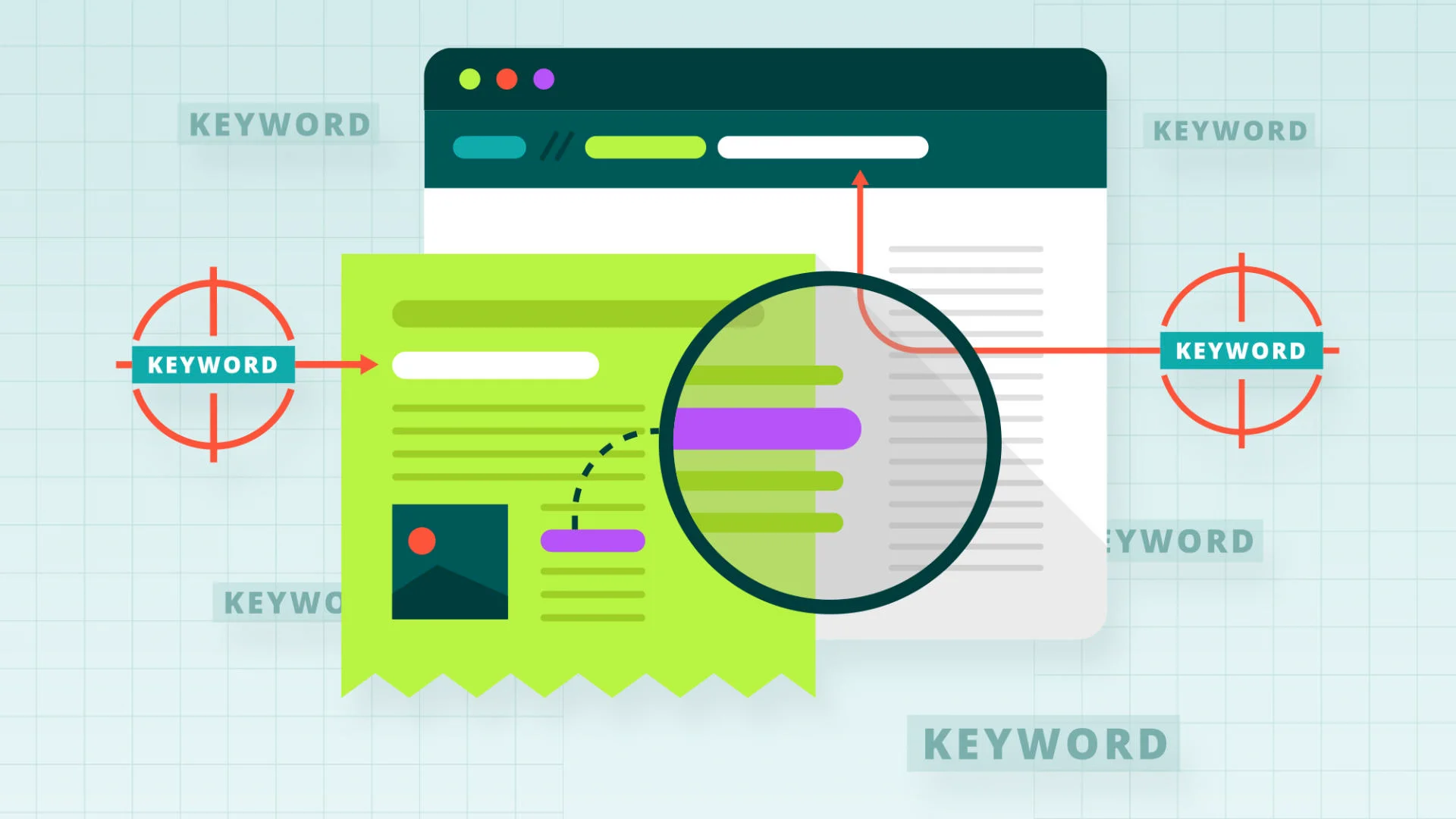

Keywords are what people search for.
✅ Best practices:
-
Use your main keyword in:
-
Title
-
First paragraph
-
Headings
-
-
Add related keywords (synonyms)
👉 Example:
Main keyword: “Make money online”
Variations: “earn online”, “online income”
🏷️ 2. Title Tags & Meta Descriptions


Your title is what people click on.
💡 Tips:
-
Keep title under 60 characters
-
Include keyword
-
Make it clickable
👉 Example:
“How to Make Money Online (Beginner Guide 2026)”
📑 3. Headings Structure (H1, H2, H3)


Structure makes content readable.
✅ Use:
-
H1 → Main title
-
H2 → Sections
-
H3 → Sub-sections
👉 Helps both users and Google
🔗 4. Internal Linking


Link your pages together.
🎯 Benefits:
-
Improves SEO
-
Keeps users longer
-
Passes authority
👉 Example:
Link “freelancing guide” to “how to get clients”
🖼️ 5. Image Optimization


Images improve engagement—but must be optimized.
✅ Do this:
-
Use descriptive file names
-
Add ALT text
-
Compress images
👉 Example ALT: “freelancer working online laptop”
✍️ 6. High-Quality Content


Content is still king.
🧠 Focus on:
-
Solving problems
-
Giving value
-
Writing clearly
👉 Longer, helpful content ranks better
📊 7. User Experience (UX)


Google tracks how users behave.
Improve by:
-
Short paragraphs
-
Bullet points
-
Clean design
-
Fast loading
📊 Real Case Studies
📈 Case Study 1: Keyword Optimization → Traffic Growth


Problem: No traffic
Action:
-
Added keywords in titles + headings
-
Optimized content
Result:
-
Traffic increased by 60%
-
Ranked on Google page 1
🔗 Case Study 2: Internal Linking → More Engagement


Problem: High bounce rate
Action:
-
Linked related posts
-
Improved navigation
Result:
-
Users stayed longer
-
Pages per session increased
📝 Case Study 3: Content Improvement → Higher Rankings


Problem: Low ranking article
Action:
-
Rewrote content
-
Added headings + images
Result:
-
Ranked in top 5
-
Traffic doubled
⚠️ Common On-Page SEO Mistakes
-
❌ Keyword stuffing
-
❌ Poor headings structure
-
❌ No internal links
-
❌ Thin content
-
❌ Ignoring user experience
👉 Avoid these to rank faster
🎯 Simple On-Page SEO Checklist
✔ Keyword in title & first paragraph
✔ Proper headings (H1–H3)
✔ Internal links added
✔ Images optimized
✔ Clear, valuable content
✔ Mobile-friendly layout


[…] https://moneyonliners.com/on-page-seo-guide/ […]
[…] https://moneyonliners.com/on-page-seo-guide/ […]