Start with our step-by-step online income roadmap. Join Now →


Technical SEO,If your site is slow or broken, Google will not rank it.
1. Site Speed Optimization
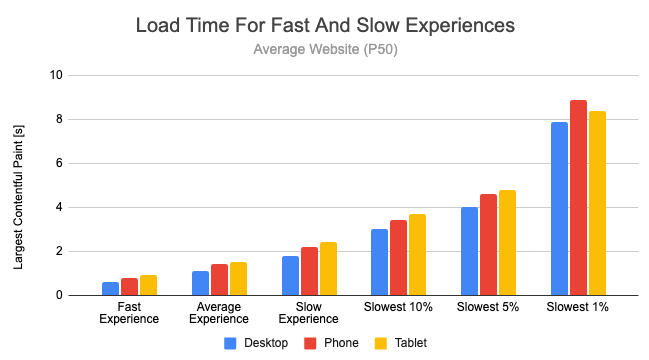
Speed directly affects rankings.
Test using:
- Google PageSpeed Insights
Fix:
- Compress images
- Use caching plugin
- Use CDN
- Avoid heavy themes
- Reduce unused plugins
Target:
Under 3 seconds load time.
2. Mobile-Friendliness
Most traffic is mobile.
Test using:
- Google Mobile-Friendly Test
Ensure:
- Text readable
- Buttons clickable
- No horizontal scroll
- Proper spacing
If mobile UX is poor → rankings drop.
3. SSL & Security
Your website must use HTTPS.
If not:
Google marks it unsafe.
Install SSL via hosting.
4. Clean URL Structure
Bad:
website.com/p=123?id=abc
Good:
website.com/make-money-online-guide
Short, clear, keyword-focused.
5. XML Sitemap
Create sitemap using:
- Yoast SEO plugin
- Rank Math
Submit it in:
Google Search Console
This helps Google crawl your pages faster.
6. Fix Broken Links
Broken links hurt SEO.
Use:
- Ahrefs
- Screaming Frog
- WordPress link checker plugins
What Matters Most for New Websites?
If you’re building from scratch:
Priority order:
- Keyword targeting
- Proper titles + headings
- Fast loading speed
- Internal linking
- Consistent content publishing
Don’t overcomplicate technical SEO in the beginning.
⚙️ Technical SEO (Backend Strength): The Foundation of High-Ranking Websites
Technical SEO is the engine behind your website. Even if your content is great, poor technical setup can stop your site from ranking on Google.
In this guide, you’ll learn how technical SEO works, how to fix it, and how it boosts your rankings, with real case studies and visuals.
🔍 What is Technical SEO?


4
Technical SEO focuses on optimizing your website’s backend so search engines can:
-
Crawl your site
-
Index your pages
-
Understand your content
-
Rank your website faster
👉 Think of it as making your website easy for Google to read
🚀 Why Technical SEO Matters
-
Improves rankings
-
Increases website speed
-
Enhances user experience
-
Boosts organic traffic
-
Fixes hidden errors
👉 Without technical SEO, your content may never be seen
🧱 Core Elements of Technical SEO
⚡ 1. Website Speed (Page Performance)
4
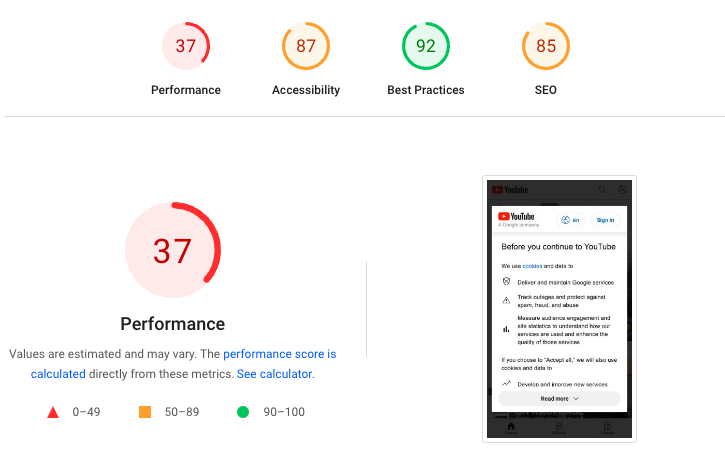
Speed is a ranking factor.
🔧 How to improve:
-
Compress images
-
Use fast hosting
-
Enable caching
-
Use lightweight themes
👉 Aim for under 3 seconds load time
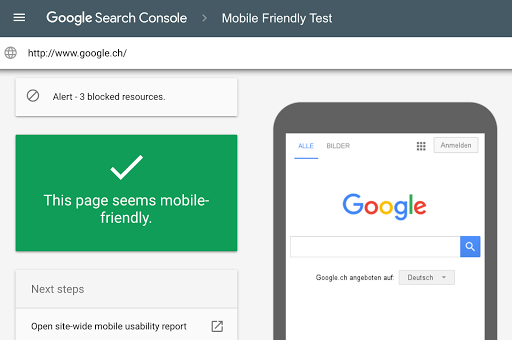
📱 2. Mobile-Friendliness


4
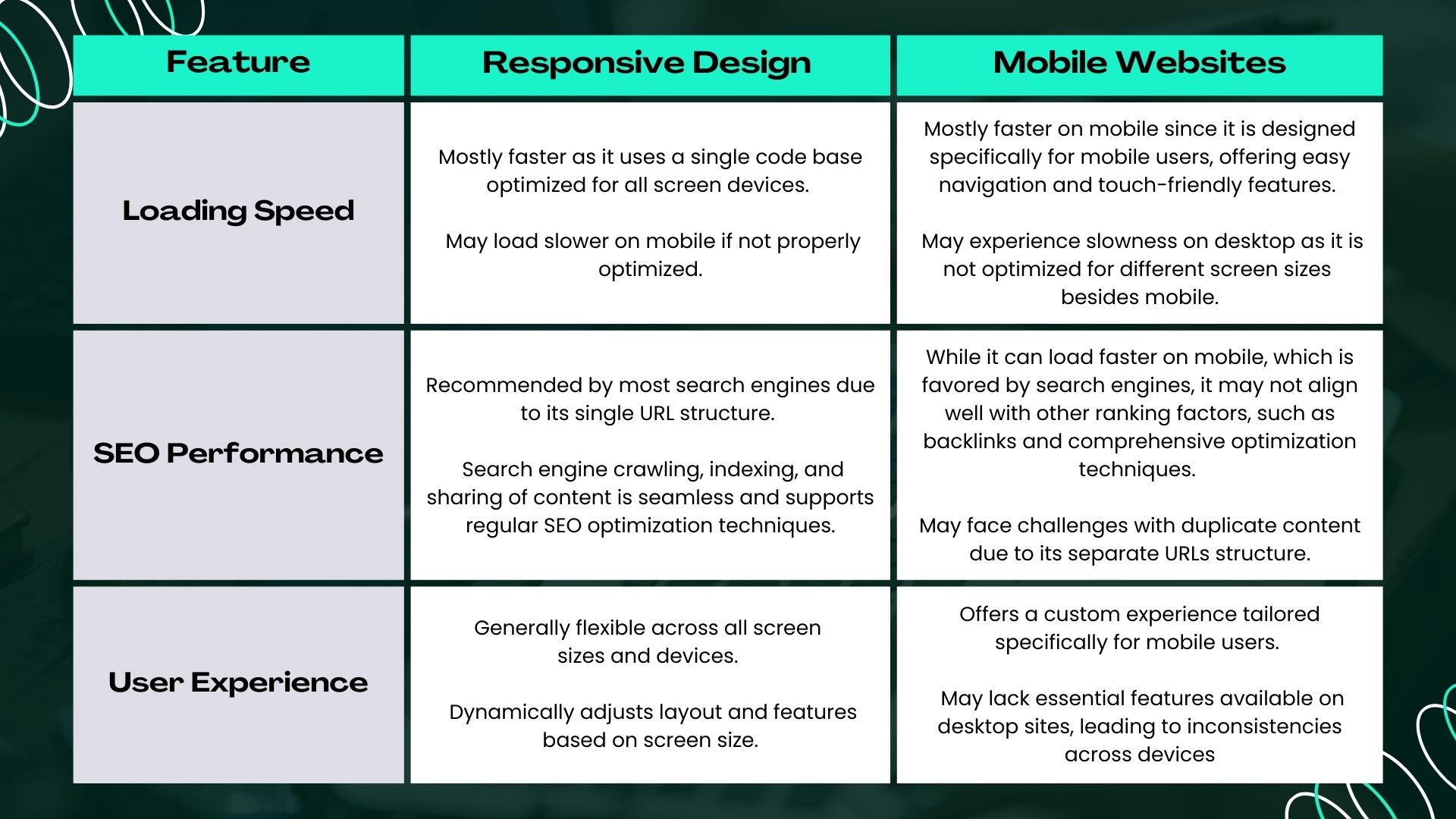
Most users are on mobile.
🔧 Optimize by:
-
Using responsive design
-
Testing on mobile devices
-
Avoiding pop-ups that block content
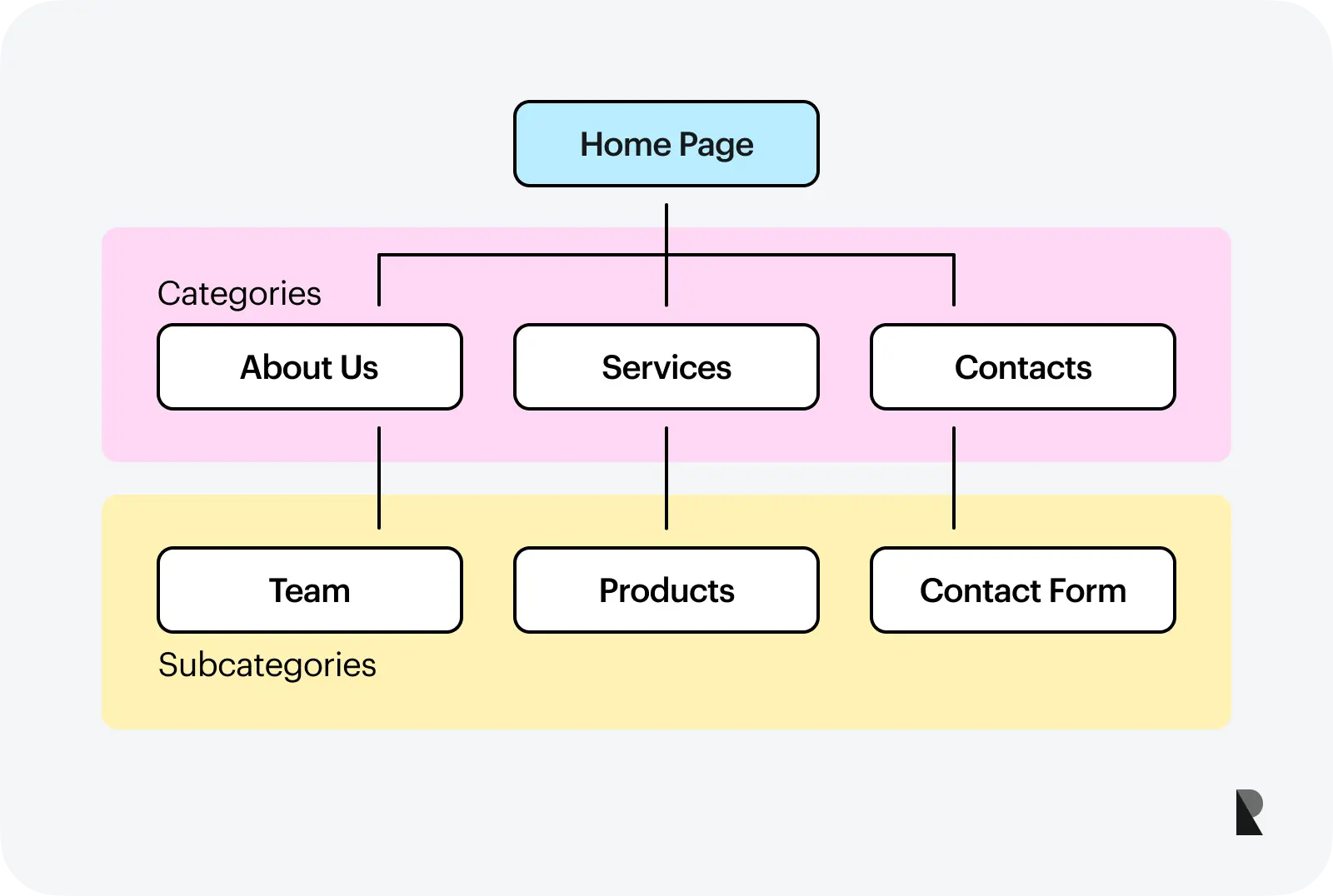
🗺️ 3. Website Structure & Navigation


4
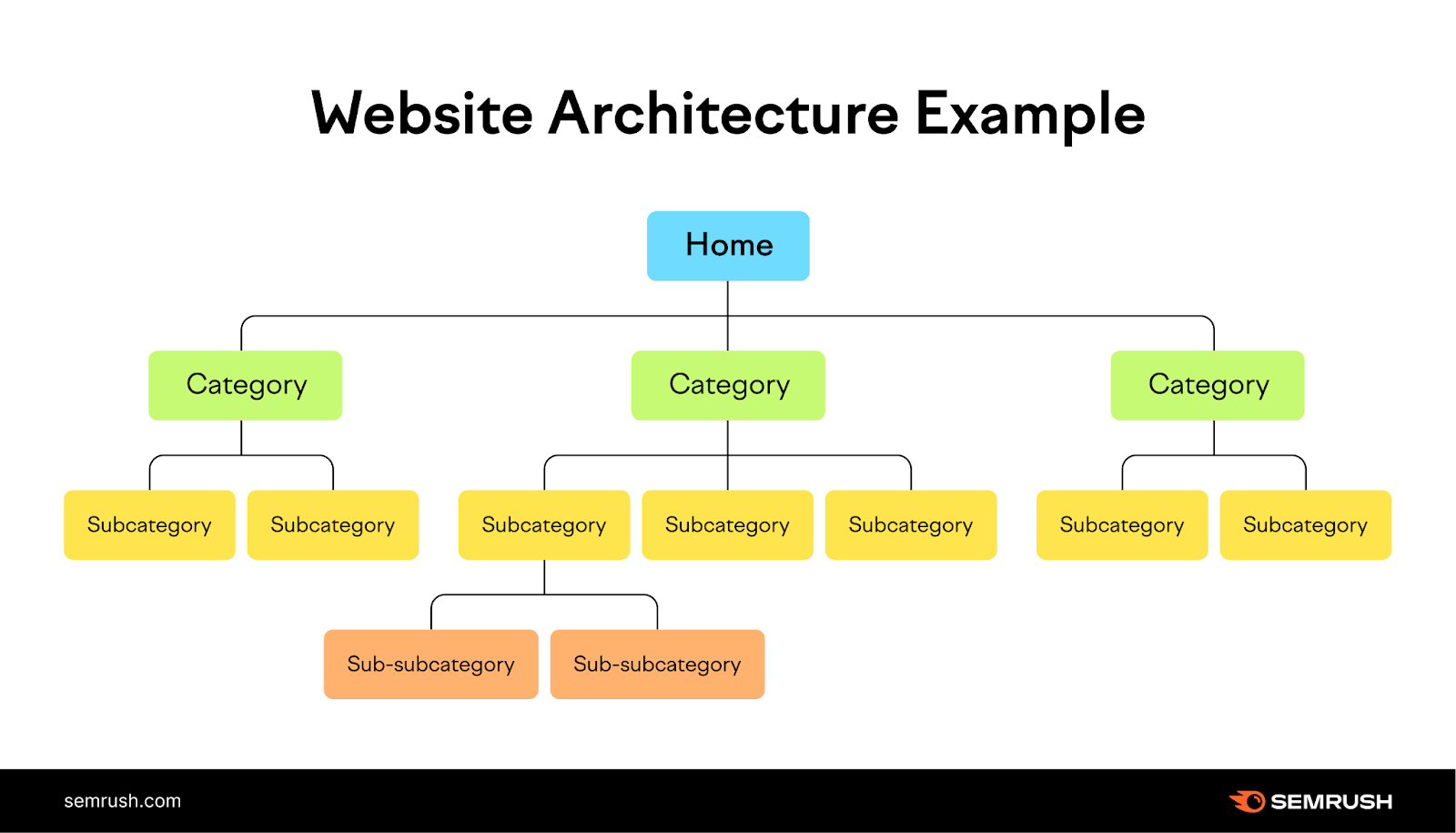
Your site should be easy to navigate.
✅ Best practices:
-
Clear categories
-
Internal linking
-
Simple URLs
👉 Example:moneyonliners.com/freelancing-guide
🤖 4. Crawling & Indexing


4
Search engines use bots to scan your site.
🔧 Tools:
-
XML sitemap
-
robots.txt
-
Google Search Console
👉 Make sure your pages are indexable
🔒 5. HTTPS & Security



4
Google prioritizes secure websites.
✅ Ensure:
-
SSL certificate installed
-
HTTPS enabled
-
No “Not Secure” warnings
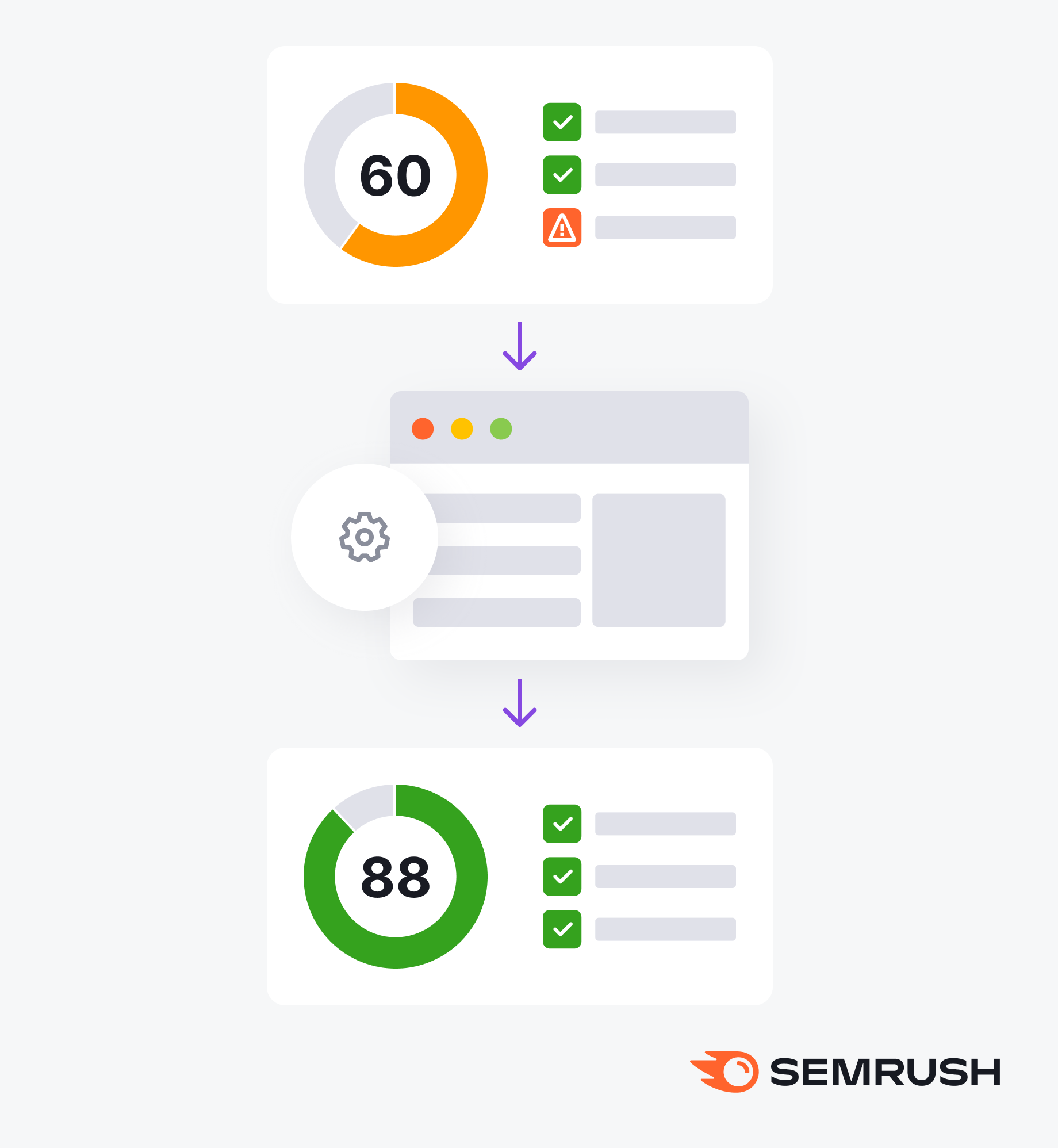
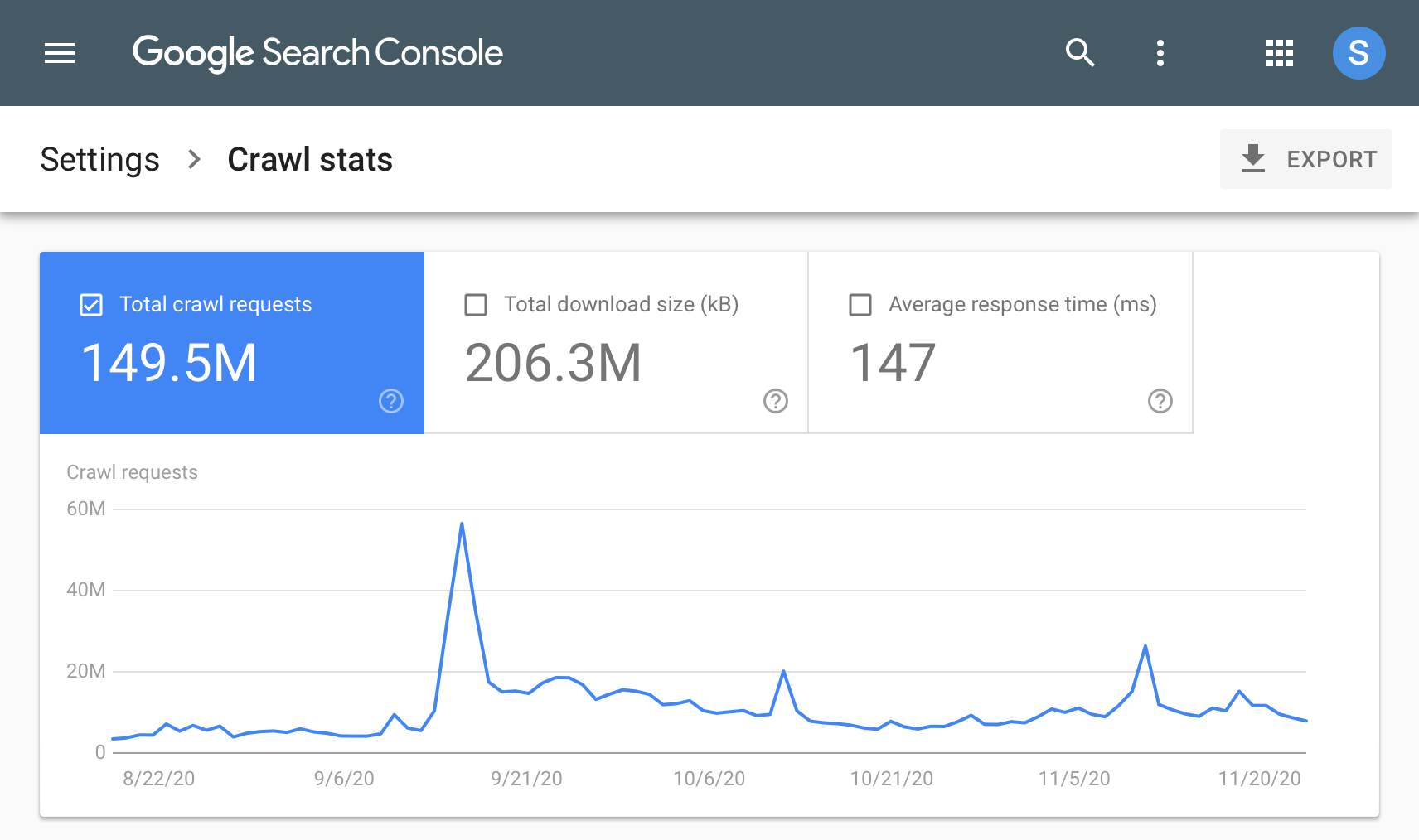
🧩 6. Fixing Errors (Technical Health)

4
Errors hurt your rankings.
🚫 Common issues:
-
Broken links (404)
-
Duplicate content
-
Slow pages
-
Missing meta tags
👉 Use tools like:
-
Google Search Console
-
Screaming Frog
📊 Real Case Studies
📈 Case Study 1: Speed Optimization → Traffic Boost


4
Problem: Website loading in 6 seconds
Action:
-
Compressed images
-
Changed hosting
-
Enabled caching
Result:
-
Load time: 2 seconds
-
Traffic increased by 40%
-
Higher Google rankings
📱 Case Study 2: Mobile Optimization → Better Rankings



4
Problem: Poor mobile experience
Action:
-
Redesigned site for mobile
-
Improved layout
Result:
-
Lower bounce rate
-
Higher engagement
-
Improved rankings
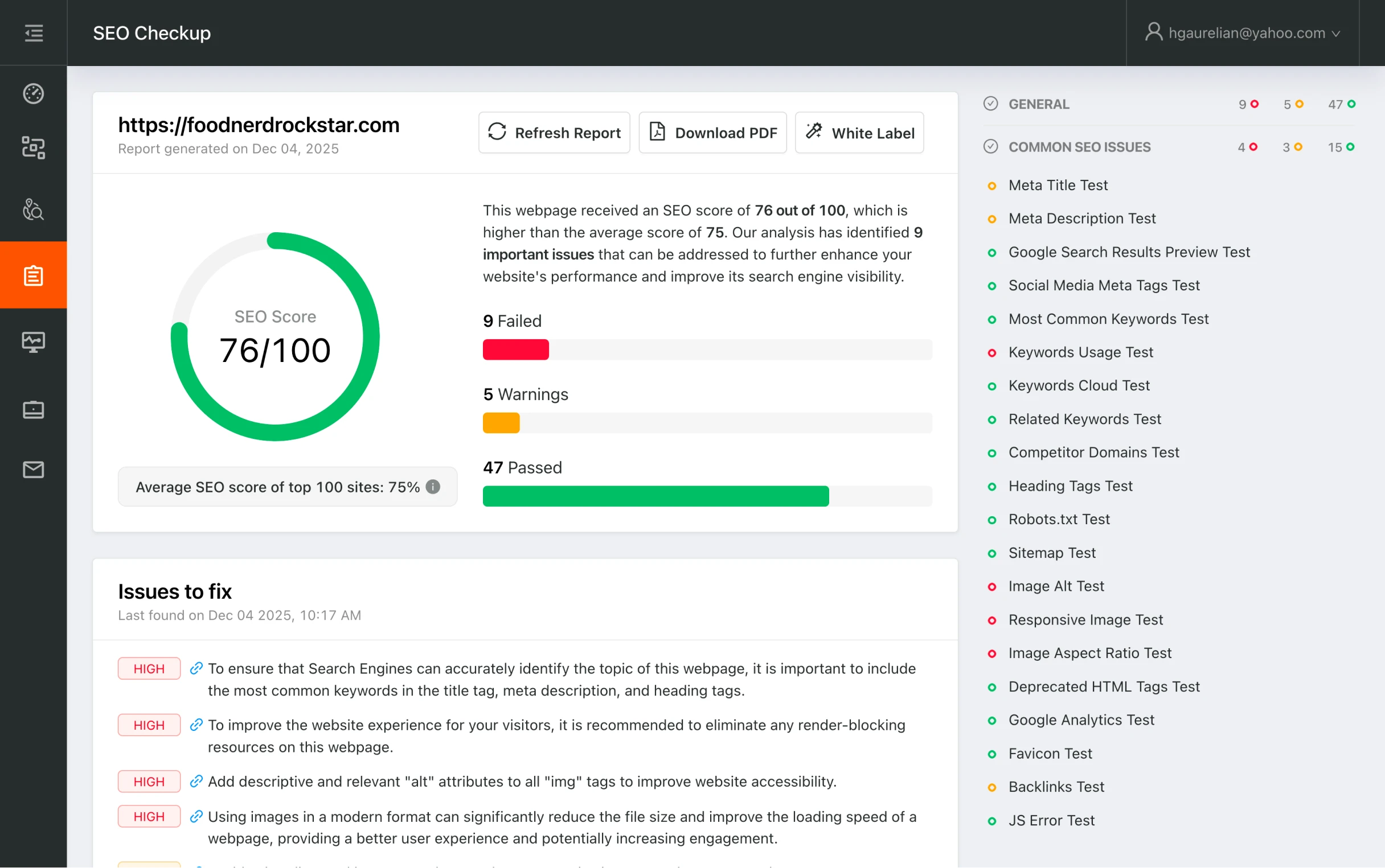
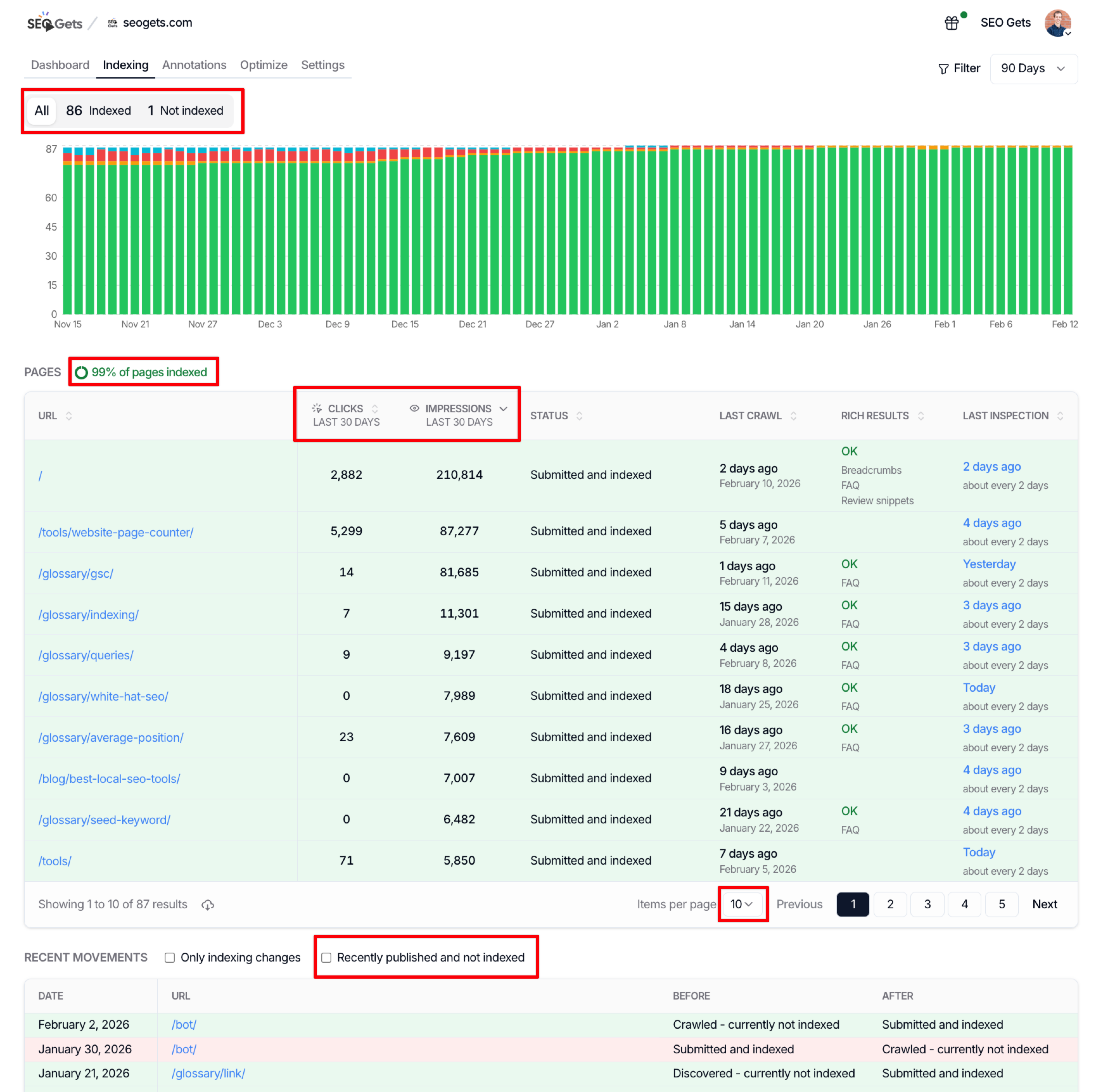
🔧 Case Study 3: Fixing Technical Errors → Indexing Growth
4
Problem: Pages not indexed
Action:
-
Submitted sitemap
-
Fixed crawl errors
Result:
-
Indexed pages doubled
-
Organic traffic increased
⚠️ Common Technical SEO Mistakes
-
❌ Ignoring website speed
-
❌ Not using HTTPS
-
❌ Broken internal links
-
❌ Poor mobile design
-
❌ No sitemap
👉 These silently kill your rankings
🎯 Simple Technical SEO Checklist
✔ Fast loading website
✔ Mobile-friendly design
✔ Clean URL structure
✔ XML sitemap submitted
✔ No crawl errors
✔ Secure HTTPS
✔ Internal linking setup
🔥 Final Thought
This is not visible—but it’s powerful.
👉 It’s what makes your website rank, load fast, and grow consistently.
Without it, even the best content struggles.